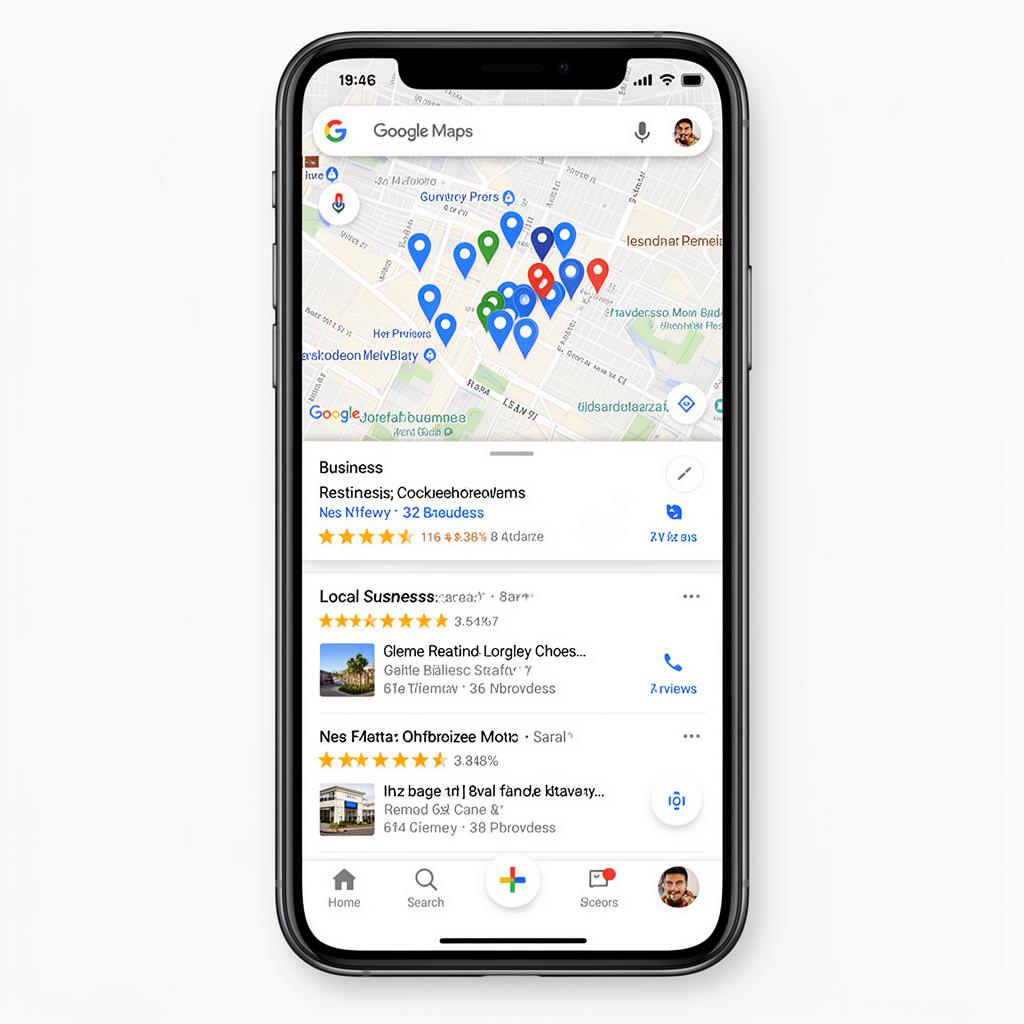

Google Maps is where customers discover local businesses, and your reviews there directly impact whether they choose you or a competitor. Negative reviews on Google Maps can tank your local search rankings and drive customers away. This guide covers everything you need to know about removing harmful reviews from your Google Maps listing.
Why Google Maps Reviews Impact Local SEO and Business Revenue
Google Maps has become the primary discovery platform for local businesses. When someone searches for "restaurants near me" or "plumber in [city]," Google Maps results dominate the page. Your star rating and review count are prominently displayed, influencing click-through rates before potential customers even see your website.
The statistics are compelling: 86% of consumers read reviews for local businesses.57% will only use a business if it has 4 stars or higher. 89% read businesses' responses to reviews. For local businesses, Google Maps reviews are often the difference between thriving and struggling.
Beyond customer perception, Google Maps reviews directly impact your local SEO rankings. Google's algorithm considers review quantity, quality, and recency when determining which businesses to show in the coveted "Local Pack" (the top 3 map results). Negative reviews can push you out of this prime real estate and into obscurity.

Google Maps Review Policies: What Content Gets Removed
Google has specific policies governing what reviews are allowed on Maps listings. Reviews that violate these policies can be removed:
Prohibited Content
- Spam and fake content: Reviews not based on real experiences
- Off-topic: Reviews about unrelated matters (politics, social issues, etc.)
- Restricted content: Promotions, links, phone numbers, addresses
- Illegal content: References to illegal activities or products
- Offensive content: Hate speech, harassment, explicit material
- Dangerous content: Threats or incitement to violence
- Impersonation: Pretending to be someone else
- Conflict of interest: Reviews from employees, competitors, or those with financial interests
4 Methods to Remove Negative Reviews from Google Maps
Method 1: Report and Flag via Google Maps App
The quickest way to report a review is through the Google Maps app. Open Google Maps and search for your business, tap on your business listing to open it, scroll down to the Reviews section, find the review you want to report, tap the three dots next to the review, select "Report review," and choose the appropriate policy violation.
Method 2: Flag Bad Reviews via Google Business Profile Dashboard
For more detailed reporting options, use Google Business Profile. Log into business.google.com, navigate to your business listing, click on "Reviews" in the menu, find the problematic review, click the three-dot menu, select "Flag as inappropriate," and provide details about the policy violation.
Method 3: Escalate and Appeal Directly to Google Support
If standard reporting doesn't work, escalate to Google support. From your Business Profile, click "Support" or "Help," select "Contact us" and choose reviews as your issue, request a callback or chat with a support representative, explain the policy violation clearly, and provide any evidence you have.
Method 4: Use Google's Review Management Tool
Google has a dedicated tool for managing reviews. Go to your Business Profile dashboard, look for the "Reviews" section, use the "Report a problem" option for reviews you believe violate policies, and track the status of your removal requests.
Common Challenges When Removing Google Maps Reviews
Challenge 1: Google's Automated Review System
Google processes millions of reviews and relies heavily on automated systems. These systems sometimes miss obvious violations or incorrectly flag legitimate reviews. When automation fails, you need to escalate to human review through support channels.
Challenge 2: Proving Fake Reviews
For fake reviews, proving inauthenticity can be difficult. You may need to demonstrate the reviewer was never a customer (through your records), show suspicious patterns in the reviewer's profile, and document timing that suggests coordinated attacks.
Challenge 3: Legitimate Negative Reviews
Not all negative reviews can or should be removed. If a customer had a genuinely bad experience and expressed it within policy guidelines, the review will likely stay. In these cases, focus on responding professionally and improving your service.
How Google Maps Reviews Affect Local Search Rankings
Google's local search algorithm considers several review-related factors:
- Overall star rating: Higher ratings improve visibility
- Number of reviews: More reviews signal popularity and trustworthiness
- Review velocity: Consistent new reviews suggest an active, thriving business
- Review content: Keywords in reviews can help you rank for specific services
- Review responses: Businesses that respond to reviews may receive ranking benefits
- Recency: Recent reviews carry more weight than old ones
Removing negative reviews improves your rating, but building positive reviews is equally important. A comprehensive approach combines removal of policy-violating reviews with active encouragement of genuine positive feedback.
Google Maps Review Management Best Practices for Businesses
Monitor Reviews Daily
Set up notifications for new reviews and check your Google Maps listing daily. Quick action on problematic reviews prevents them from gaining visibility and influencing potential customers.
Respond to All Reviews
Whether positive or negative, respond to every review. For positive reviews, thank the customer sincerely. For negative reviews, apologize for their experience and offer to resolve issues offline. Professional responses show you care about customer feedback.
Encourage Positive Reviews
Don't be passive about collecting reviews. Train staff to ask satisfied customers for feedback, send follow-up emails with direct links to your Google Maps review page, use QR codes at your location linking to your review page, and time review requests for moments when customers are most satisfied.
Keep Your Listing Accurate
An accurate business listing prevents negative reviews caused by wrong information. Verify your hours, address, phone number, and services are correct. Inaccurate listings lead to frustrated customers who may leave negative reviews.
When to Hire a Professional Google Maps Review Removal Service
Consider working with a professional review removal service if:
- You're facing multiple fake reviews and can't keep up with reporting
- Google has denied your removal requests despite clear policy violations
- Your business is losing significant revenue due to negative reviews
- You don't have time to manage the complex removal process
- Reviews contain defamatory content requiring legal intervention
At ReputationZilla, we specialize in Google Maps review removal. Our team has extensive experience navigating Google's review policies and established relationships that help expedite the removal process.
Conclusion
Google Maps reviews are critical to your local business success. While not every negative review can be removed, those violating Google's policies should be reported promptly. Combine removal efforts with proactive positive review collection to maintain a strong Google Maps presence.
If negative Google Maps reviews are hurting your business, take action today.Contact our team for a free assessment of your situation and learn how we can help restore your online reputation.
Key Takeaways:
- Google Maps reviews directly impact local search rankings
- Report violations through Maps app, Business Profile, or Support
- Document evidence before reporting fake reviews
- Respond professionally to all reviews
- Actively encourage positive reviews from satisfied customers
- Keep your business listing accurate and up-to-date